Notes
info
Cursor
- Cursor reads only first 250 lines of a file, or 100 lines of searched content. SO keep your files short.
- Has feature to create notes. Notes can reference tools, files, mcps, etc.
- @.cursor/rules: Create rules here you want to auto append to the cursor context. Here you can specify different strategies:
---
descriptions:
globs:
alwaysApply:
---
info
Good Repo that has an awesome collection of rules. Also See Cursor/rules
- Rules tip: Add emojis or some easy to spot text at the bottom and make cursor print it in chat, so that you see the rules were read and applied.
Agents and MCPs
- Cursor agent and GPT Codex allow you to chat with and update any repo from anywhere. Useful for Auditing, Understanding, Checking issues and PRs, etc. It can make changes and submit PRs for your review.
Example use: Audit my repo for accessibility compliance and tell me about it in detail.
- MCP (Model Context Protocols): are an open standard that enable AI applications to connect with external APIs and tools. They are a mechanism to extend the core extensibility and are Plug-n-Play in nature.
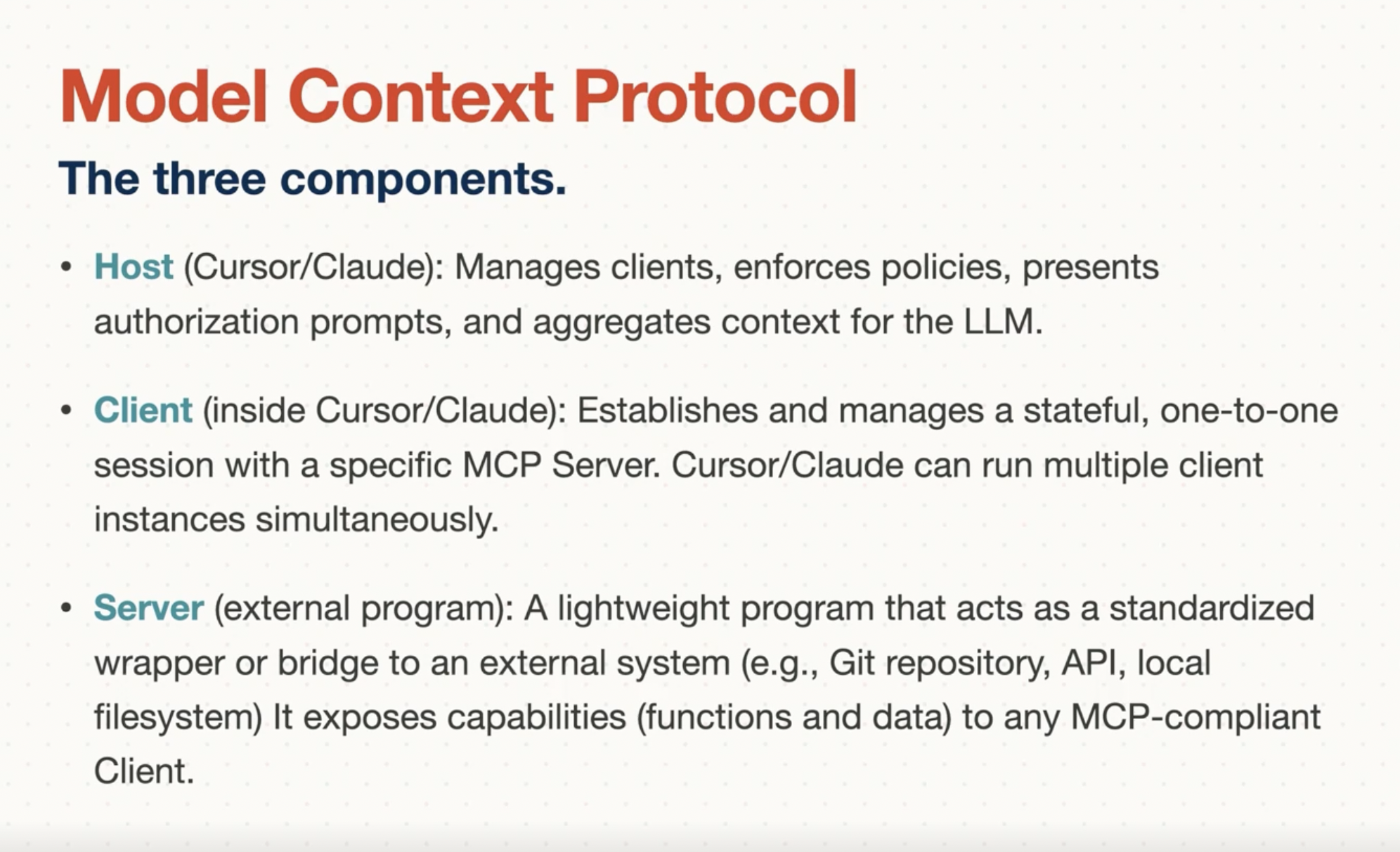
- Limitations:
- Tool limit: 40 Installed tools context window limitation.
- Context Window Overhead: Each active MCP connection and it's tool descriptions consume tokens in the LLM context window.
- Costs: May incur additional costs depending on models and usage, especially with Max Mode.
info
See Cursor/mcp
Claude Code
- Use
/initto create Claude.md file. You can use# textto add some text to this file. This is basically your cursor rule equivalent to claude.
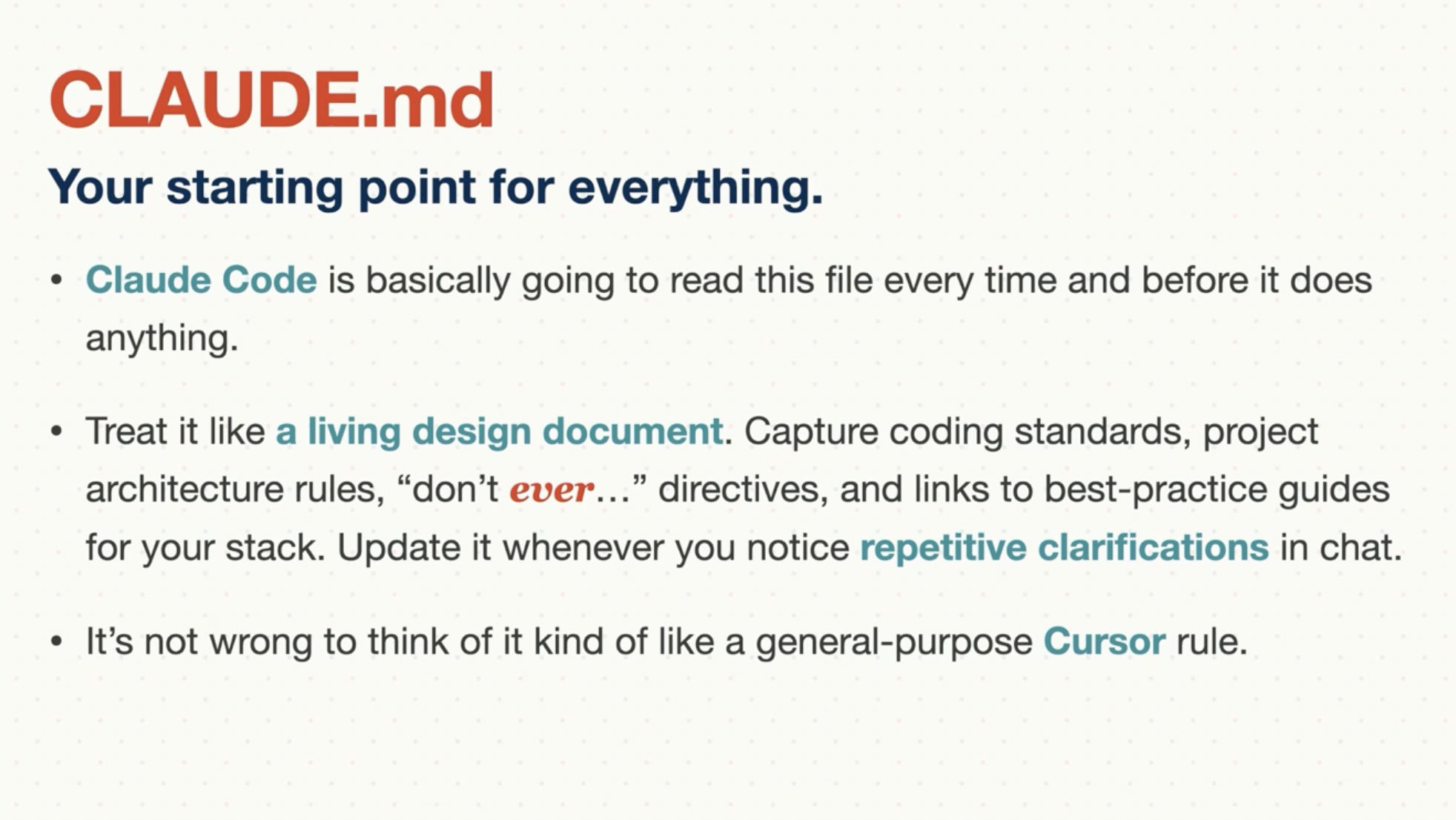
This contains your coding standards, style guidelines, Architectural overview, comman commands and project workflows, AI behavorial rules (Error handling, API convention, Problem solving rules), and architectural decision records (Important decisions and their rationale). You need to doctor this file and maintain it.